


.webp)
Opening now...


You’ll need to use a desktop browser to set up your Streak account. You can install Streak now and finish setup on desktop later.
To get started with Chrome, install Streak from the Chrome Web Store on your desktop. Share your email and we'll send you the install link directly.
To get started with Safari, install Streak from the Mac App store on your desktop. Share your email and we'll send you the install link directly.
To get started with Edge, install Streak from the Edge Add-ons store on your desktop. Share your email and we'll send you the install link directly.


If you’ve installed Streak and completed onboarding on desktop, you can install the Streak app to access your pipelines on mobile.


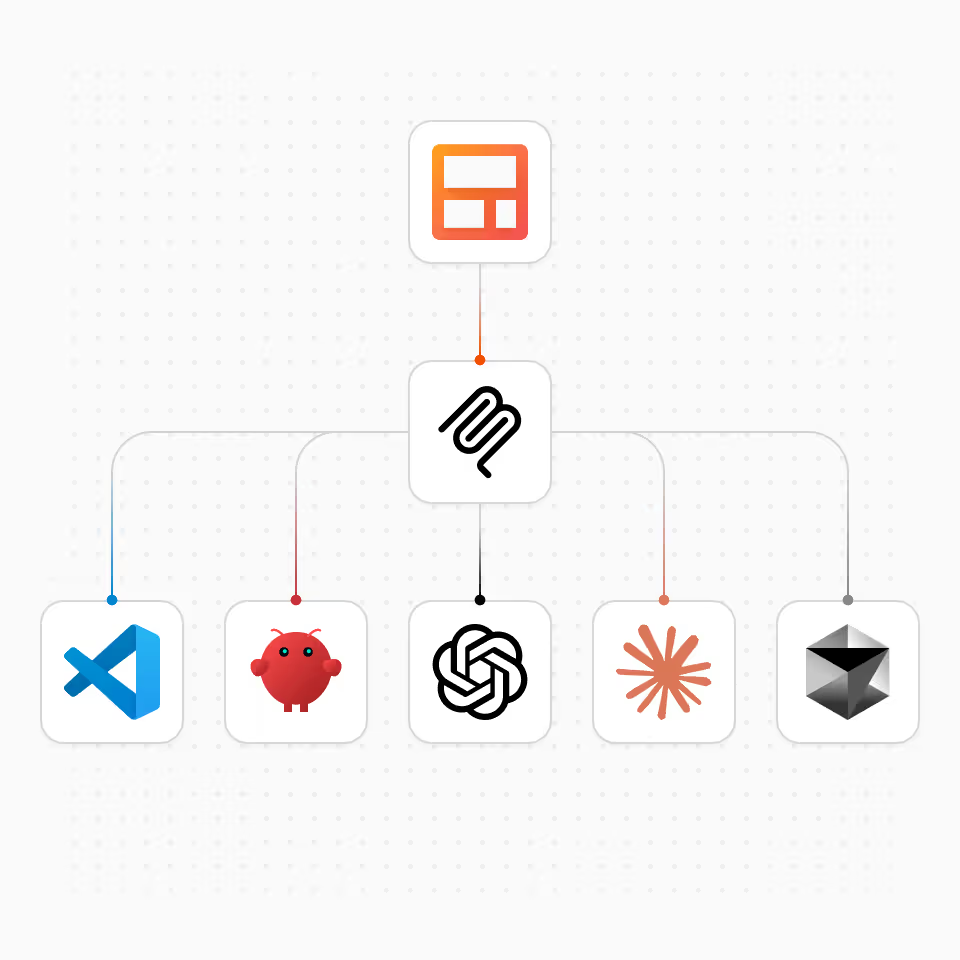
🔗 MCP Server URL : https://api.streak.com/mcp
Use this URL to connect any MCP-compatible AI assistant to Streak
Once connected, your AI assistant can read your CRM data, create and update records, and analyze your pipeline. Use the prompts below as a starting point.
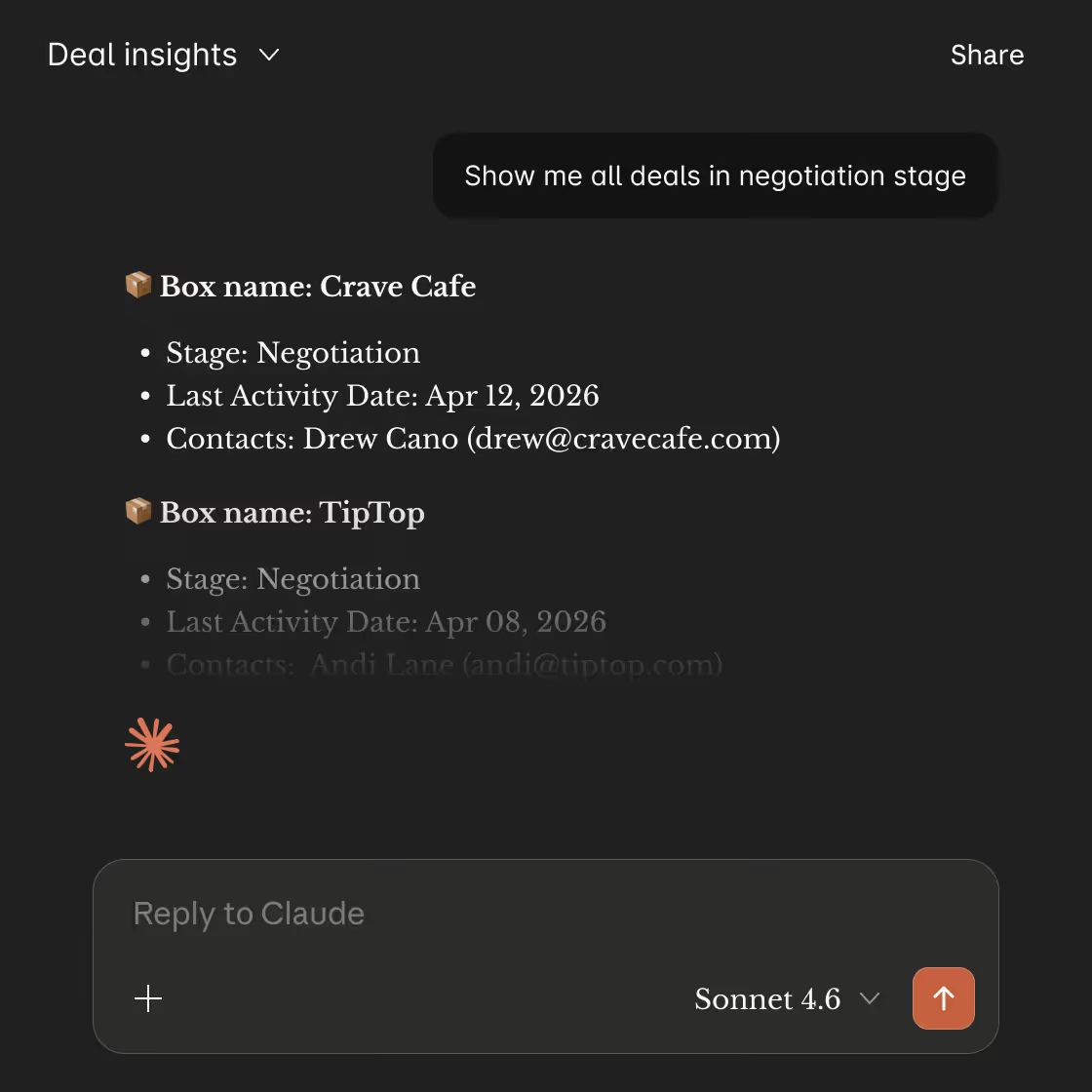
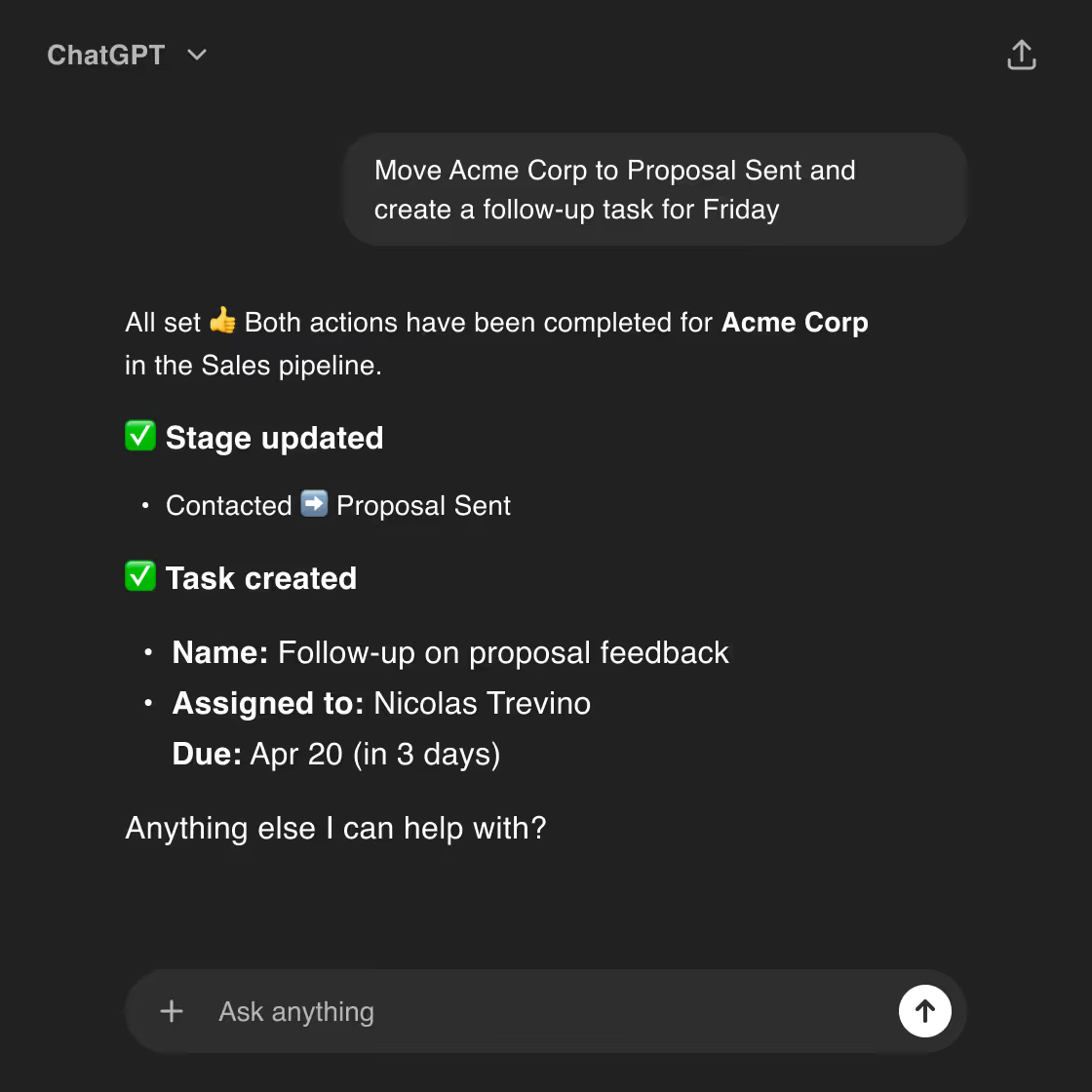
Because the AI has direct access to your pipeline data, it can answer questions and build charts from your real records, not generic templates.
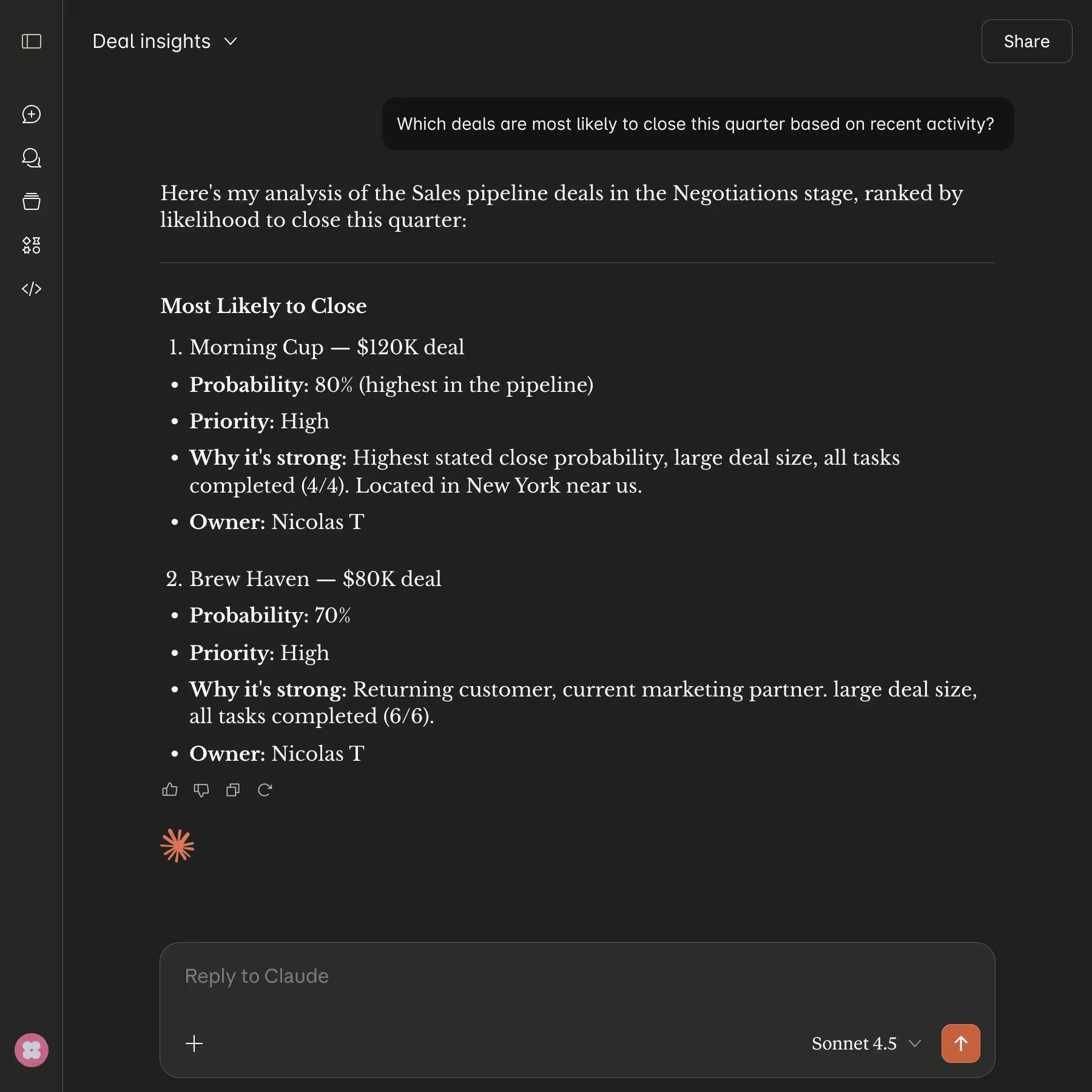
Beyond text-based analysis, your AI assistant can generate charts, graphs, and visualizations from your pipeline data on demand.
Ask for "a bar chart of deal values by stage," "monthly close rate trends," or "team performance comparison" and get instant visual insights. Since the AI has direct access to your CRM data, these aren't generic templates—they're real analytics built from your actual pipeline.

Streak's MCP server works with any AI tool that supports the Model Context Protocol. Here's how to connect:
https://api.streak.com/mcp
MCP (Model Context Protocol) is an open standard that allows AI assistants to securely connect to external tools and data. It gives your AI assistant context about your business so conversations can include real data and actions.
No. Streak's MCP server is available to all users at no additional cost.
Any AI tool that supports MCP can connect to Streak. This includes Claude (Web, Desktop, Code), ChatGPT (via MCP connector), Cursor, VS Code, and other MCP-compatible applications.
Yes. Beyond reading data, the AI can create and update records on your behalf, such as creating boxes, updating fields, and adding comments. It acts using your existing Streak permissions, and you confirm actions in your AI client before they run.
The ChatGPT app is specifically designed for ChatGPT and provides the simplest setup experience. MCP is a more universal approach that works with multiple AI assistants. Both give you the same core functionality.
Streak uses OAuth for MCP connections - the same secure authentication method used by our web and mobile apps. The Model Context Protocol uses OAuth for secure, user-controlled access. Data access is limited to your Streak workspace and follows your existing user permissions. No API keys or credentials are stored in your AI client, and you can revoke access at any time from your Streak account settings.
The MCP server provides access to CRM data like deals, contacts, and timelines, but does not provide access to email content. For email analysis, use Streak's built-in AI features within Gmail.
You can revoke MCP access at any time from your Streak account settings. This immediately disables the connection for all connected AI assistants.
Yes. Each team member can connect their own Streak account to AI assistants. Data access follows each person's existing permissions within your Streak workspace.
Can't find the answer you're looking for? Feel free to chat with our friendly team!


